01What can I model in the beam workspace today?
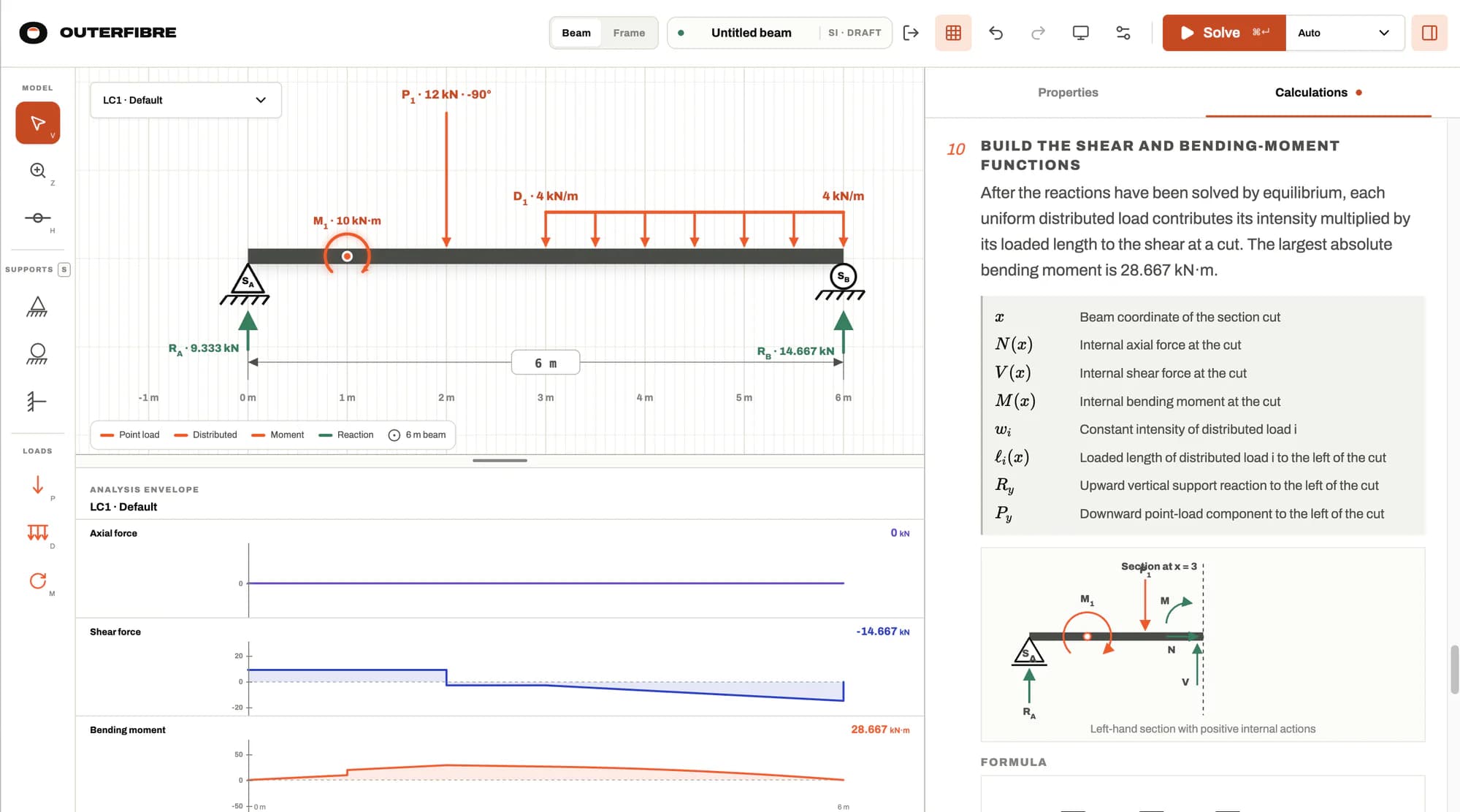
The beam workspace models a straight beam with pin, roller and fixed supports, internal hinges, named load cases, angled point loads, piecewise-linear distributed loads and applied moments. It reports reactions plus axial, shear-force and bending-moment diagrams.
02How does Outerfibre choose an analysis method?
Auto checks method eligibility in a fixed order: static equilibrium, segmented equilibrium, then Euler–Bernoulli beam stiffness. The calculation package states the selected method and the reason. You can also request an eligible method explicitly; an ineligible request returns a domain error rather than silently switching.
03What working do I get?
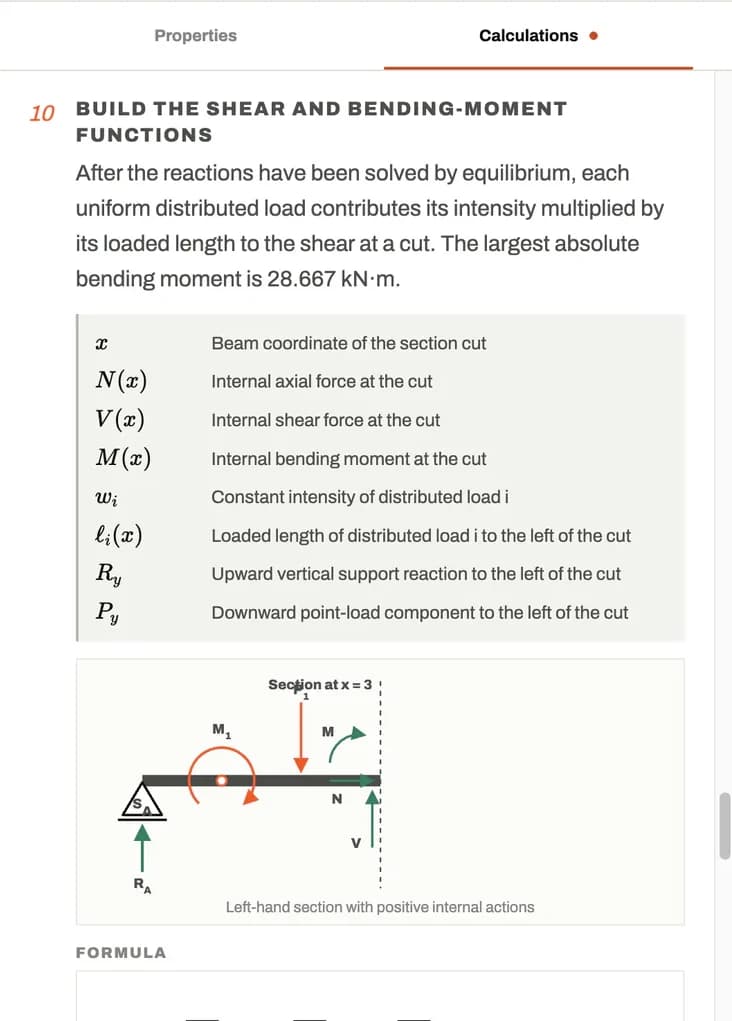
Beam results include reactions, explanations, symbol definitions, focused diagrams, formulae, substituted values, units, section-force functions and equilibrium residuals. The calculation view can be printed or saved as PDF.
04What can I model in the frame workspace?
The frame workspace models connected, prismatic 2D members with pin, roller and fixed supports, nodal forces and moments, and member A, I and E properties. Depending on the model, eligible methods include equilibrium, slope-deflection, moment distribution, the portal method and matrix stiffness. Results include calculation working, deformed shape, reactions, displacements, member end forces and equilibrium residuals. Frame accepts nodal actions only; member loads, load cases and end releases are outside its current scope. Analysis is first-order elastic, with the portal method reported as approximate.
05What does it cost?
The current app is free while it is in active development. Access uses a one-time email sign-in link. Outerfibre is a calculation aid; inputs, method selection and independent verification remain the engineer’s responsibility.